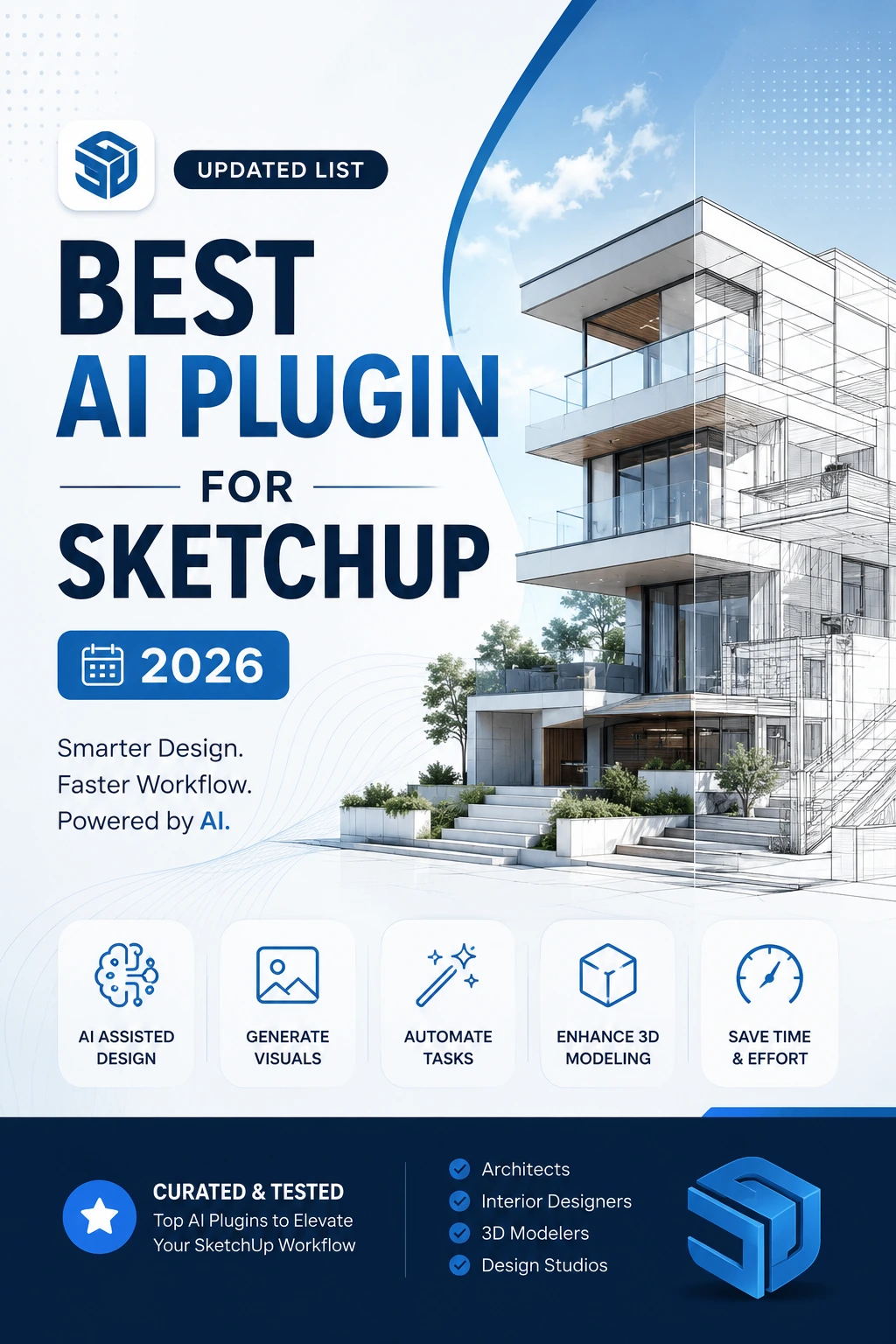
Artificial intelligence is rapidly changing architectural visualization and the SketchUp workflow. From generating photorealistic renders to exploring alternative designs, changing materials, enhancing images, and even generating 3D assets, AI can now assist with almost every stage of the design process.
Here are some of the best AI-powered tools to consider in 2026.
Top AI plugin for SketchUp
AI plugin for SketchUp — Reference & Download Links
| # | AI Tool | Best For | Download / Try |
|---|---|---|---|
| 1 | SketchUp AI Render | AI rendering & concept generation | Extension Warehouse – AI Render |
| 2 | Veras | Architectural design exploration | Install Veras for SketchUp |
| 3 | D5 Lite | AI + real-time rendering | Download D5 Launcher / D5 Lite |
| 4 | Vizbase.ai | SketchUp → photorealistic render | Try Vizbase |
| 5 | LookX AI | Architectural visualization | Try LookX AI |
| 6 | mnml.ai | AI architecture & redesign | Start using mnml.ai |
| 7 | MyArchitectAI | Photorealistic architectural rendering | Try MyArchitectAI – 10 renders free |
| 8 | ArchiVinci | Architecture, interiors & exteriors | Start ArchiVinci – 3 free renders |
| 9 | SUAPP AI | AI rendering & image editing | SUAPP official website |
| 10 | Spacely AI | Interior visualization | Install Spacely AI Extension |
| 11 | SketchUp AI Assistant | AI help & 3D object generation | SketchUp AI Assistant |
| 12 | AI Enhance | Quick AI render enhancement |
🥇 1. SketchUp AI Render
Best for: Easy and fast AI rendering directly inside SketchUp
SketchUp AI Render is one of the easiest ways to introduce generative AI into a SketchUp workflow.
Rather than exporting your model to another application, you can work directly from the SketchUp viewport and use AI to explore different architectural styles, materials, environments and visual directions.
It supports workflows involving text prompts, reference images, masking, painting and sketch-based modifications.
Best for
- Architectural concepts
- Interior design
- Exterior design
- Material exploration
- Quick client presentations
- Design variations
Why choose it?
Its biggest advantage is simplicity. If you’re already working in SketchUp, you don’t need to learn a completely separate visualization workflow.
🥈 2. Veras
Best for: AI-powered architectural design exploration
Veras is particularly useful when AI is being used as a design exploration tool, rather than simply as a rendering engine.
You can start with your SketchUp geometry and ask AI to explore different architectural possibilities.
For example:
SketchUp massing
→ Veras
→ Modern
→ Brutalist
→ Minimalist
→ Mediterranean
→ Japanese
→ Futuristic
Best for
- Architectural concepts
- Façade exploration
- Massing studies
- Material exploration
- Interior concepts
- Alternative design directions
The major advantage is the ability to use your existing 3D geometry as a reference while exploring new visual directions.
🥉 3. D5 Lite
Best for: Real-time rendering + AI visualization
D5 Lite combines AI-powered visualization with a real-time rendering workflow.
This makes it different from Plugin that simply generate an image from a SketchUp screenshot.
You can work with:
- Materials
- Lighting
- Cameras
- Vegetation
- Furniture
- Environment
- Day/night conditions
- Real-time visualization
Best for
- Architectural visualization
- Interior design
- Landscape design
- Client presentations
- Real-time walkthroughs
- Professional rendering
D5 Lite is particularly useful when you want to move from AI-assisted concept development to a more controlled 3D visualization workflow.
4. Vizbase.ai
Best for: AI architectural rendering
Vizbase.ai is an AI-powered architectural visualization tool with a native SketchUp plugin for SketchUp 2021 and newer on Windows and macOS. It allows architects to generate realistic renders directly from their SketchUp scenes without exporting screenshots. (Available from the Starter plan.)
The platform offers material customization for individual elements, including walls, floors, furniture, joinery and fixtures, using text prompts, reference photos or a library of over 2,000 materials. Additional features include localized editing, consistent visual styles across multiple camera angles, and image exports up to 8K resolution.
Best for
- Architectural renders
- Exterior visualization
- Interior concepts
- Material exploration
- Client presentations
Pricing: Free plan with 5 credits (up to 10 renders), followed by paid plans starting at €29/month. Commercial rights are included in every plan. (The Revit and Rhino plugins are not out yet, so those users can upload a screenshot.)
5. LookX AI
Best for: Architectural visualization
LookX AI is designed around architecture and design visualization.
It can help transform SketchUp models into polished architectural images and explore different visual styles.
Best for
- Architecture
- Interiors
- Exteriors
- Landscape concepts
- Concept development
- Style exploration
It is especially useful during the early design phase when you want to show several possible visual directions quickly.
6. mnml.ai
Best for: Architectural AI rendering and redesign
mnml.ai is focused heavily on architectural visualization and AI-assisted design.
It can take an existing architectural image or SketchUp output and help transform it into different design styles.
You can use it for things such as:
- Exterior redesign
- Interior redesign
- Landscape concepts
- Material changes
- Style exploration
- Sketch-to-render workflows
- Concept visualization
One of its strengths is the ability to experiment with different architectural aesthetics without rebuilding the entire SketchUp model.
Best for
Architects and designers who want to quickly turn basic SketchUp views into more developed design concepts.
7. MyArchitectAI
Best for: SketchUp-to-photorealistic architectural rendering
MyArchitectAI is particularly focused on converting architectural models and screenshots into realistic architectural visualizations.
It is useful when you already have a SketchUp model but don’t want to spend a large amount of time setting up traditional rendering materials and lighting.
Best for
- Architectural visualization
- Interior rendering
- Exterior rendering
- SketchUp screenshots
- Concept presentations
- Photorealistic images
A typical workflow can be:
SketchUp model → MyArchitectAI → Photorealistic architectural image
This makes it attractive for architects who want quick presentation-quality images without building a complex traditional rendering setup.
8. ArchiVinci
Best for: Architecture, interior and exterior visualization
ArchiVinci is another AI visualization platform aimed specifically at architecture and design.
It can be used for different types of architectural visualization, including:
- Interior design
- Exterior architecture
- Floor plans
- Landscape design
- Virtual staging
- Concept visualization
- Renovation concepts
One of its advantages is that it isn’t limited to a single architectural workflow.
For designers working across interiors, exteriors and property visualization, ArchiVinci can be a useful all-around AI visualization platform.
Best for
Architects, interior designers, real-estate professionals and visualization teams.
9. SUAPP AI
Best for: AI rendering, image editing and 3D model generation
SUAPP AI is an AI-powered platform for architectural visualization and design assistance. It brings together tools for AI rendering, image editing, 3D asset generation and natural-language design workflows, making it useful for architects and SketchUp users throughout the design process.
Its capabilities include image enhancement, inpainting, object and background removal, material changes, style transfer, upscaling, outpainting and lighting enhancement. It can also assist with generating 3D objects from text descriptions or images and exploring design ideas using natural-language instructions and visual references.
Best for
- AI architectural rendering
- Image editing and enhancement
- Furniture and 3D object generation
- Material and style exploration
- Object and background removal
- Interior design concepts
- Image upscaling and outpainting
- AI-assisted design workflows
10. Spacely AI
Best for: Interior design visualization
Spacely AI is particularly useful for interior designers.
It can transform SketchUp scenes into AI-generated interior and exterior visualizations while allowing designers to experiment with different aesthetics.
Best for
- Interior design
- Residential interiors
- Hospitality
- Furniture layouts
- Material exploration
- Interior styles
It can be especially useful when presenting several interior concepts to a client.
11. SketchUp AI Assistant
Best for: AI assistance within the SketchUp ecosystem
SketchUp’s AI Assistant brings AI functionality directly into the SketchUp environment.
It can help with SketchUp-related questions and AI-powered object-generation workflows.
Best for
- SketchUp assistance
- Learning SketchUp
- AI object generation
- Modeling support
- Natural-language interaction
12. AI Enhance
Best for: Quick render enhancement
AI Enhance focuses on improving the appearance of existing SketchUp output.
It can be useful for:
- Image enhancement
- Lighting improvements
- Style adjustments
- Upscaling
- Presentation images
It’s a useful finishing tool when you already have a render but want to improve its visual quality.
Shortlist by use case
You want zero setup, already pay for SketchUp: Native SketchUp AI Render — free with your subscription, weakest output quality of the group.
You’re BIM-heavy and might use Revit too: Veras — best geometry fidelity, ~$35–59/mo, works across Chaos’s own ecosystem.
You want real-time + AI and have an RTX GPU: D5 Lite/D5 Render — strongest free tier, ~$38/mo for AI features.
You want to show clients specific finishes for the same view: Vizbase, with per-element materials and a SketchUp plugin from €29/mo.
You want the cheapest genuinely-good paid option: mnml.ai at $19/mo, or MyArchitectAI at $29/mo flat/unlimited.
You’re freelance with bursty project cycles: ArchiVinci’s day-rate pricing ($39/3 days) beats a year-round subscription.
See also: