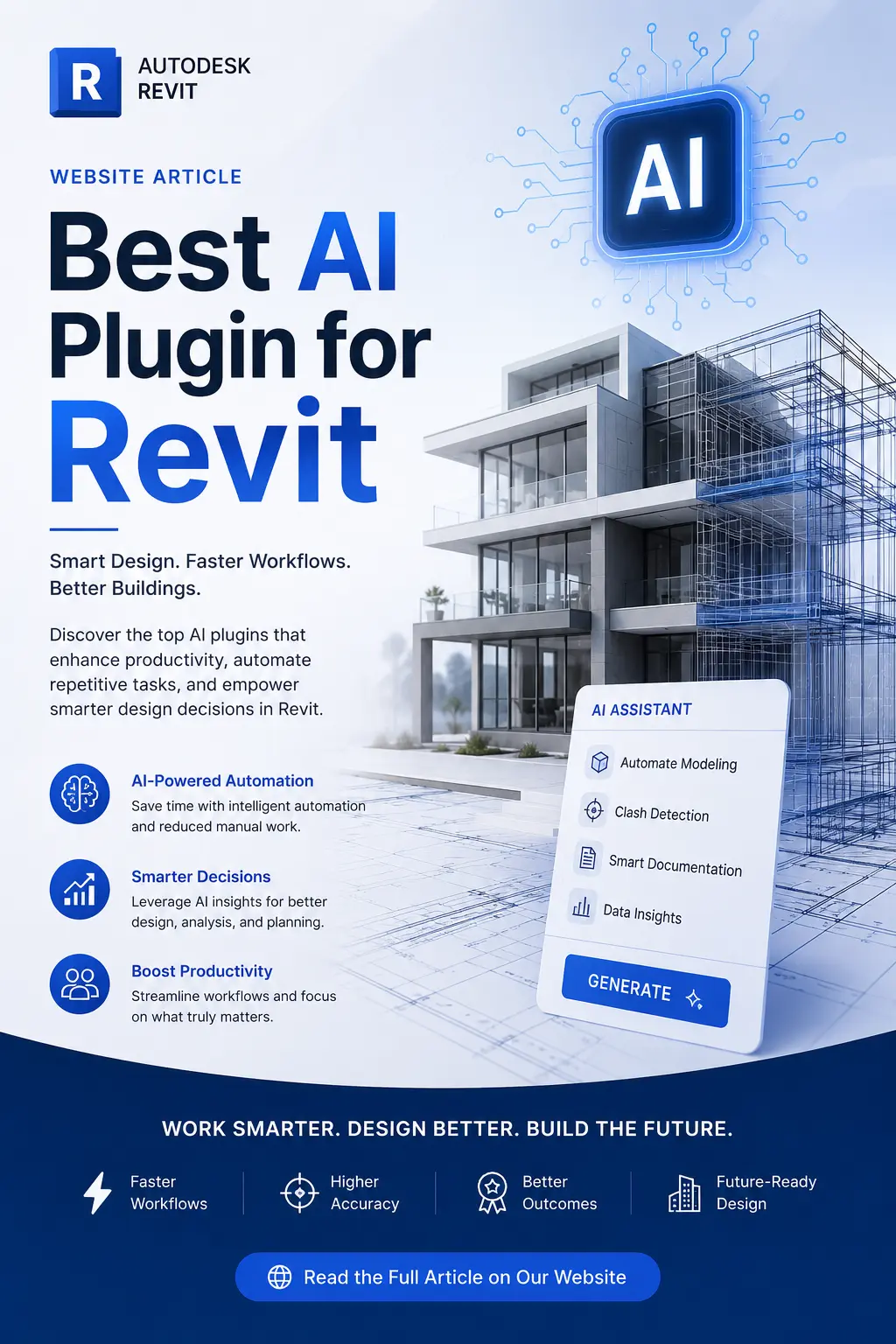
Artificial intelligence is changing the way architects, engineers, BIM professionals, and Revit users design and manage building projects. What once required hours of repetitive modeling, documentation, visualization, and quality-control work can increasingly be accelerated with AI-powered Revit plugins.
From converting 2D floor plans into Revit models to generating photorealistic architectural images and automating repetitive BIM tasks, there is now a growing range of AI tools designed specifically for Autodesk Revit.
In this guide, we explore the top AI plugins and AI-powered tools for Revit in 2026, including their main features, best use cases, and download links.
Quick List: Best AI Plugins for Revit
| # | AI Plugin | Best For |
|---|---|---|
| 1 | WiseBIM AI | 2D plan → Revit BIM conversion |
| 2 | Veras | AI architectural visualization |
| 3 | BIMLOGIQ Copilot | Revit task automation |
| 4 | DWD AI Assistant | AI + Dynamo automation |
| 5 | AUTOM8LABS MCP Connector | AI-powered Revit model queries |
| 6 | Sentinel QC | BIM quality control |
| 7 | usBIM.codesign AI | AI rendering and design ideas |
| 8 | CRXAI | AI design visualization |
| 9 | nVisionAI | Fast AI rendering |
| 10 | AiCorb | AI-assisted façade modeling |
| 11 | Pele AI | Natural-language Revit automation |
| 12 | Autodesk Assistant | Built-in Revit AI assistance |
1. WiseBIM AI — Best for Converting 2D Plans into Revit
Download WiseBIM AI for Revit — Autodesk App Store
Best for: 2D-to-BIM conversion, architectural plans, existing drawings
WiseBIM AI is one of the most useful AI tools for Revit when your starting point is a 2D architectural drawing.
The plugin can process architectural plans imported into Revit from formats including DWG, PDF, JPEG, PNG, and TIFF. Its AI-based detection can identify and create Revit elements such as walls, doors, windows, slabs, and spaces.
The workflow is relatively straightforward: import the plan, set its real-world scale, select the appropriate Revit families and parameters, and run the relevant detection tool. WiseBIM processes the detection on its servers and returns the resulting Revit elements to the project.
Key features
- AI-powered 2D-to-BIM conversion
- Automatic wall detection
- Door and window detection
- Slab detection
- Space/room detection
- Supports DWG, PDF, JPEG, PNG and TIFF inputs
- Revit family selection
- Supports Revit 2021–2027 according to the current listing
- Internet connection required for automatic detection
Why choose WiseBIM AI?
WiseBIM is particularly valuable for firms that receive legacy 2D drawings, scanned plans, or CAD documentation and need to create a Revit model without manually tracing every wall and opening.
Rating: ★★★★★
2. Veras — Best AI Visualization Plugin for Revit
Download Veras for Revit — Autodesk App Store
Best for: Architectural visualization, concept development, design exploration
Veras by EvolveLAB is one of the most popular AI visualization tools in the Revit ecosystem.
Instead of building a photorealistic rendering from scratch, designers can use their existing Revit geometry as the foundation for AI-generated visualizations. Text prompts and visual controls can then be used to explore different architectural styles, materials, environments, and design directions.
Key features
- AI-generated architectural images
- Revit geometry as a design reference
- Prompt-based design exploration
- Material and style experimentation
- Rapid concept generation
- Useful for client presentations and early-stage design
Why choose Veras?
If your primary objective is turning Revit models into impressive AI-generated architectural visuals, Veras should be near the top of your list.
Rating: ★★★★★
3. BIMLOGIQ Copilot — Best for Revit Automation
Download BIMLOGIQ Copilot — Autodesk App Store
Best for: Automating repetitive Revit tasks
BIMLOGIQ Copilot uses AI to help Revit users automate tasks through natural-language prompts.
Instead of manually performing every step or writing Revit API code, users can describe what they want to accomplish. Copilot can generate commands and allows frequently used prompts or commands to be saved for future use.
Key features
- Natural-language Revit commands
- AI-assisted workflow automation
- Reusable command library
- Less dependence on programming
- Useful for repetitive BIM tasks
Why choose BIMLOGIQ Copilot?
It is a strong option for BIM coordinators, modelers, and Revit power users who want to reduce repetitive operations.
Rating: ★★★★★
4. DWD AI Assistant — Best for AI + Dynamo Workflows
Download DWD AI Assistant — Autodesk App Store
Best for: Natural-language automation and Dynamo
DWD AI Assistant brings an AI chat interface directly into Revit. The tool can interact with Revit functions and can also use Dynamo functions to extend automation possibilities.
The current documentation states that the plugin uses the OpenAI API, meaning users need an OpenAI API key and API credits to operate it.
Key features
- AI chat interface inside Revit
- Revit function integration
- Dynamo integration
- User-defined Dynamo functions
- Natural-language prompts
- Useful for custom BIM automation
Why choose DWD AI Assistant?
This is a particularly interesting choice for users who already work with Dynamo and want to combine visual programming with AI.
Rating: ★★★★☆
5. AUTOM8LABS MCP Connector — Best for Connecting AI Assistants to Revit
Download AUTOM8LABS MCP Connector — Autodesk App Store
Best for: Revit model queries, Claude/Cursor workflows and BIM analysis
AUTOM8LABS MCP Connector provides a bridge between Revit and AI applications such as Claude and Cursor.
After installation, users can enable MCP and connect their AI application to an active Revit project. The connector provides read-only tools for querying elements, parameters, views, sheets, schedules, families, warnings, and other model information.
Key features
- Connect Claude or Cursor with Revit
- Natural-language BIM queries
- Element and parameter searches
- View and sheet queries
- Schedule and family exploration
- Read-only model access
- Local communication
Why choose AUTOM8LABS?
It is particularly useful for professionals who want to ask questions about a Revit model using an AI assistant rather than manually searching through large BIM projects.
Rating: ★★★★☆
6. Sentinel QC — Best AI Tool for BIM Quality Control
Download Sentinel QC — Autodesk App Store
Best for: BIM quality assurance, standards checking and model cleanup
Sentinel QC focuses on a different part of the Revit workflow: quality control.
The plugin can be used to inspect Revit models against defined standards and support controlled correction workflows. It also provides MCP integration for AI assistants such as Claude and Cursor.
Its workflow is designed around inspection, preview, application, rollback, and receipts, giving teams more control over AI-assisted changes.
Key features
- BIM quality control
- Standards checking
- AI-assisted inspection
- Controlled corrections
- Rollback functionality
- Audit-oriented workflow
- Claude/Cursor MCP integration
Why choose Sentinel QC?
For larger BIM teams, quality control can become one of the most time-consuming parts of a project. Sentinel is worth considering when model consistency and standards compliance are priorities.
Rating: ★★★★☆
7. usBIM.codesign AI — Best for AI Rendering Inside Revit
Download usBIM.codesign AI — Autodesk App Store
Best for: AI rendering, interiors and architectural design exploration
usBIM.codesign AI from ACCA software adds an AI-powered rendering panel directly inside Revit.
Users can work from 3D or camera views and provide creative direction through architectural styles, reference images, or sketches. The system then generates AI-powered visualizations based on the Revit geometry.
It also provides functionality for automatically furnishing interiors and experimenting with lighting, materials, and design options.
Key features
- AI rendering inside Revit
- Reference image support
- Architectural style selection
- Interior furnishing
- Material experimentation
- Lighting exploration
- Rapid design iterations
Why choose usBIM.codesign AI?
It is a good choice for designers who want to stay inside Revit while generating presentation-quality visual concepts.
Rating: ★★★★☆
8. CRXAI — Best for AI Design Editing
Download CRXAI — Autodesk App Store
Best for: AI rendering, materials, lighting and design experimentation
CRXAI is designed to bring generative AI into the Revit design process.
It can be used for AI-powered visualizations and design exploration, allowing users to experiment with different materials, lighting conditions, façades, and architectural styles.
Key features
- AI-generated visualizations
- Design exploration
- Material experimentation
- Lighting changes
- Façade concepts
- Revit workflow integration
Why choose CRXAI?
CRXAI is worth considering when your goal is not simply to render an existing model but to quickly explore alternative design directions.
Rating: ★★★★☆
9. nVisionAI — Best for Fast AI Architectural Rendering
Download nVisionAI — Autodesk App Store
Best for: Quick architectural visualization
nVisionAI focuses on rapidly transforming Revit views into AI-generated architectural images.
Rather than going through a traditional rendering workflow, users can use AI to explore visual concepts based on their Revit model and prompts.
Key features
- AI architectural rendering
- Fast visual iterations
- Prompt-based generation
- Revit integration
- Useful for concept design and presentations
Why choose nVisionAI?
If speed is your priority and you need to produce multiple visual concepts quickly, an AI rendering workflow can be much faster than conventional rendering for early-stage design.
Rating: ★★★★☆
10. AiCorb — Best for AI-Assisted Façade Modeling
Download AiCorb Modeling Function — Autodesk App Store
Best for: Façade concepts and conceptual Revit modeling
AiCorb takes an interesting approach to AI-assisted design. Instead of only producing an image, it can analyze façade imagery and apply recognized characteristics to Revit conceptual massing.
The workflow can identify characteristics such as panel proportions, window proportions, frame dimensions, and panel colors and use those results when working with conceptual massing.
Key features
- AI façade analysis
- Conceptual massing workflow
- Image-based design exploration
- Façade parameter recognition
- Revit integration
Why choose AiCorb?
It is especially interesting for architects working on façade studies and early-stage building concepts.
Rating: ★★★★☆
11. Pele AI — Best for Natural-Language Revit Commands
Download Pele AI — Autodesk App Store
Best for: Repetitive modeling and documentation tasks
Pele AI is designed to let Revit users interact with the software using natural-language instructions.
Instead of navigating through multiple Revit commands, users can describe the desired operation and let the AI attempt to execute it.
Key features
- Natural-language commands
- Revit task automation
- Repetitive workflow assistance
- AI-powered commands
- BIM productivity support
Why choose Pele AI?
It can be useful for Revit users who want to reduce the number of repetitive manual operations involved in everyday BIM production.
Rating: ★★★★☆
12. Autodesk Assistant — Best Built-In AI Option for Revit
Learn about Autodesk Assistant for Revit — Autodesk Help
Best for: Revit assistance, learning and Autodesk workflows
Autodesk Assistant is different from the third-party plugins on this list because it is part of Autodesk’s own AI ecosystem.
For supported Revit versions and features, Autodesk Assistant provides a natural-language way to interact with Autodesk assistance and documentation. Availability depends on the Revit version and feature status.
Key advantages
- Autodesk’s own AI assistant
- Integrated Autodesk workflow
- Natural-language assistance
- Useful for learning Revit
- No separate third-party plugin required for supported functionality
Why choose Autodesk Assistant?
If you prefer an official Autodesk solution, this is the first AI feature worth exploring before adding third-party tools.
Rating: ★★★★☆
Best AI Revit Plugins Compared
| Plugin | Main Purpose | Best For | AI Type |
| WiseBIM AI | 2D → BIM | Architects & BIM modelers | Computer vision |
| Veras | Visualization | Architects | Generative AI |
| BIMLOGIQ Copilot | Automation | BIM professionals | LLM |
| DWD AI Assistant | Automation | Dynamo users | LLM + Dynamo |
| AUTOM8LABS MCP | Model queries | BIM managers | AI + MCP |
| Sentinel QC | Quality control | BIM coordinators | AI + MCP |
| usBIM.codesign AI | Rendering | Architects | Generative AI |
| CRXAI | Design exploration | Designers | Generative AI |
| nVisionAI | Rendering | Visualization | Generative AI |
| AiCorb | Façade design | Architects | Computer vision/AI |
| Pele AI | Automation | Revit users | Natural-language AI |
| Autodesk Assistant | Assistance | All Revit users | Autodesk AI |
See also:
20 Best AI Tools for Construction Management Professionals in 2026
Best AI Tools for 3D Modelling in Architecture 2026
Top SketchUp AI Tools Ranked by Professional Usage (2026 Edition)